Within the menu item "Programme/module planner" you have the possibility to deregister from exams.
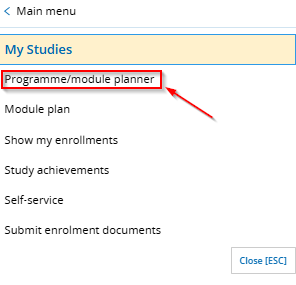
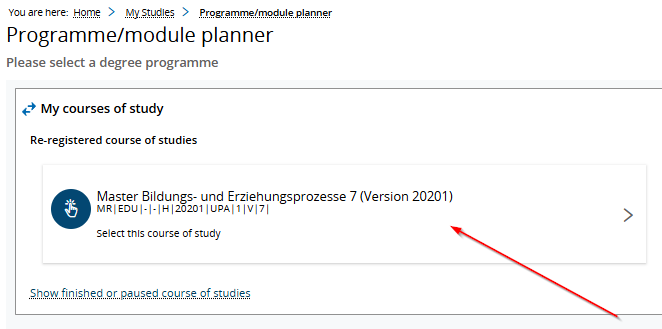
Select in the main menu "My Studies" > "Programme/module planner". This will take you to your achievements view of the study/examination regulations. Select the degree program for which you would like to deregister from an exam.
To deregister from exams, select the corresponding exam for which you have already registered.

Click the "Sign off" button (Icon door with red arrow). This will automatically redirect you to complete the process.
Details about your exam and a "Sign off" button will appear. Click here to withdraw from your exam.

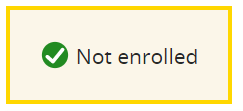
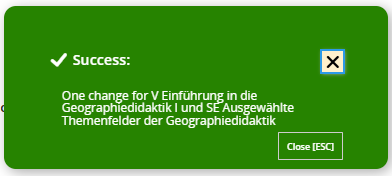
The "not enroled" icon indicates a successful deregistration. A green notification box will also appear to confirm that you have successfully deregistered from the exam.